Updating Canvas to LTI 1.3
When older Canvas courses are cloned, they can bring forward ChimeIn configurations that use an older technology called LTI 1.1. The University has phased out support for this technology, so courses need to be updated to use a newer, more secure standard called LTI 1.3. The steps below walk you through updating your course.
Step by step instructions
Use the table below to update your Canvas course from LTI 1.1 to LTI 1.3.
| Step | Screenshot |
|---|---|
| In your course settings, open the Apps tab, then click View App Configurations. | 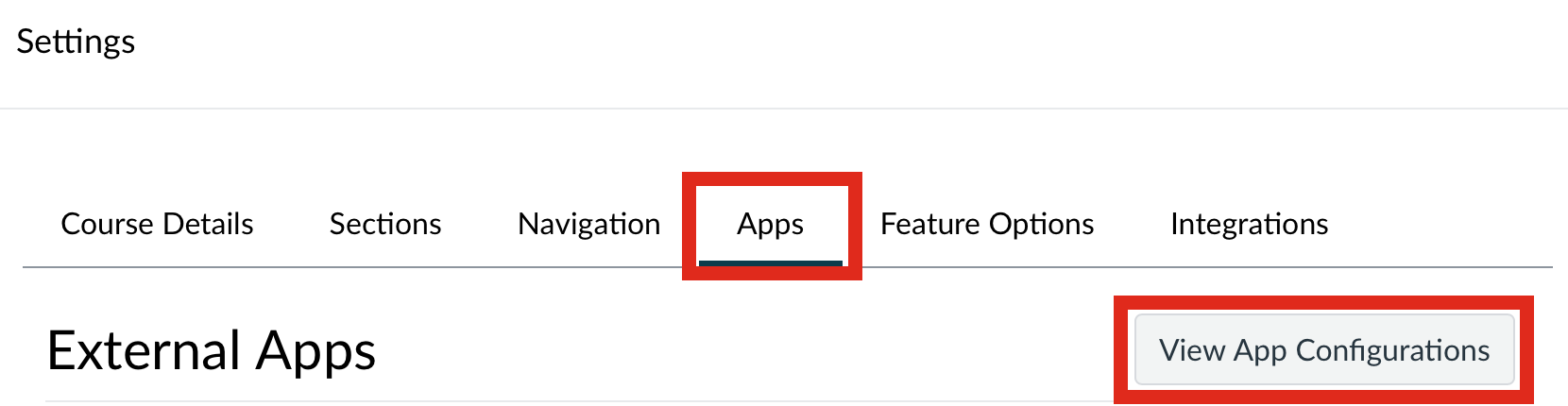 |
| Find each ChimeIn 2 app entry, open the gear menu, and choose Delete Placement. You may have more than one old entry. |  |
| Edit each ChimeIn assignment and set Submission Type to External Tool, then click Find. | 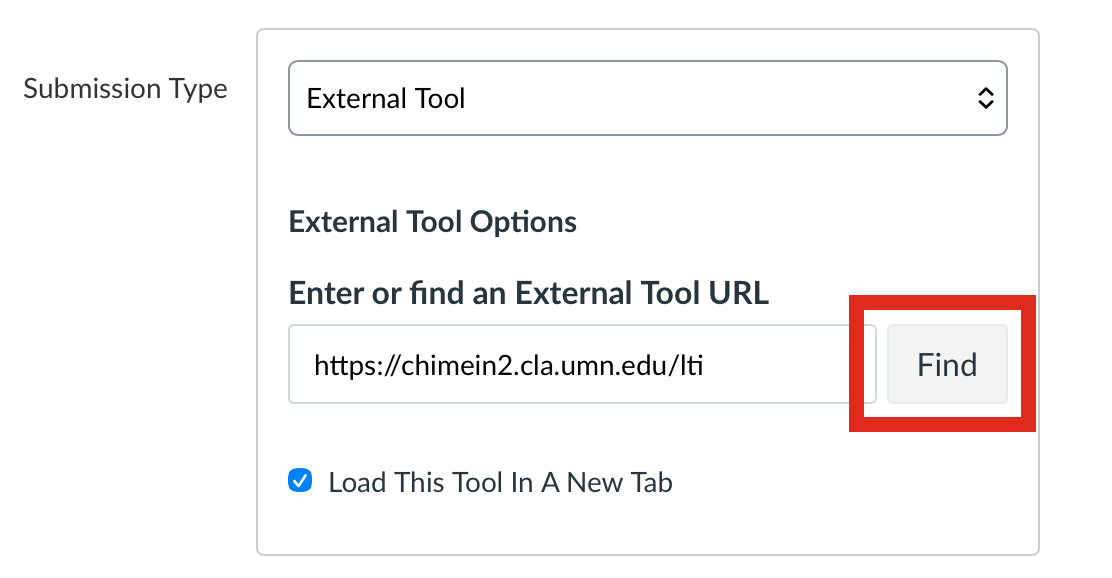 |
| In the tool list, select ChimeIn, then click Select. | 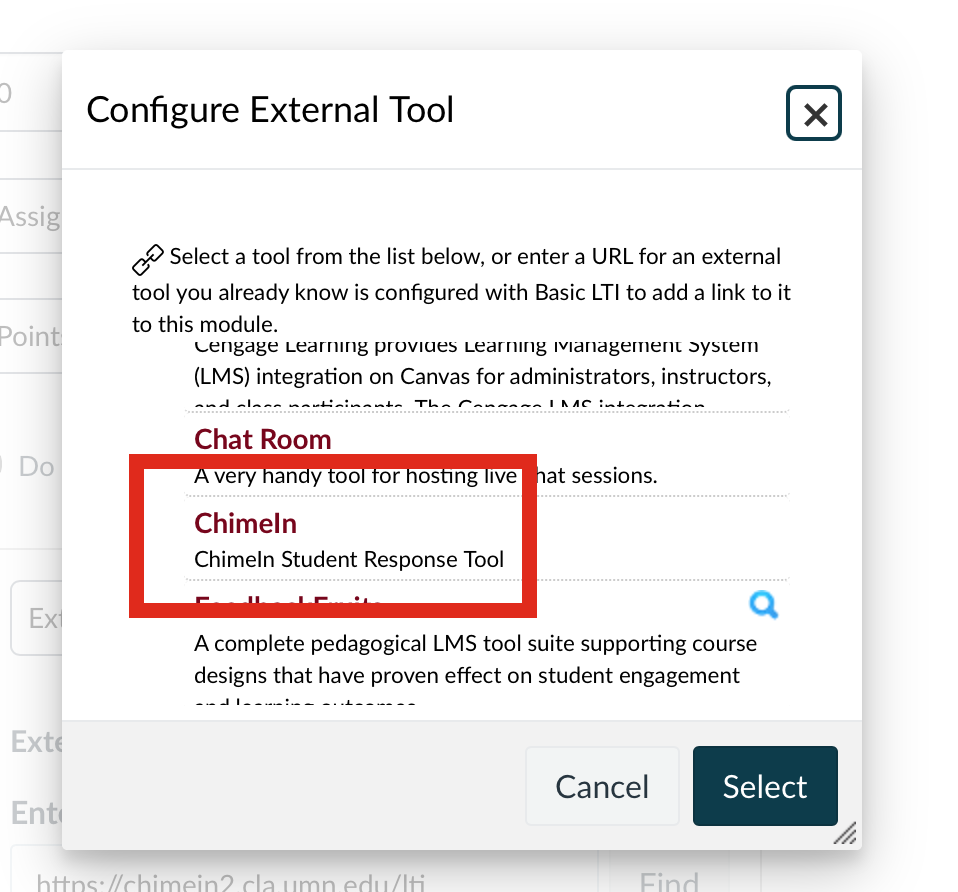 |
| Save the assignment and repeat for all ChimeIn assignments in the course. | 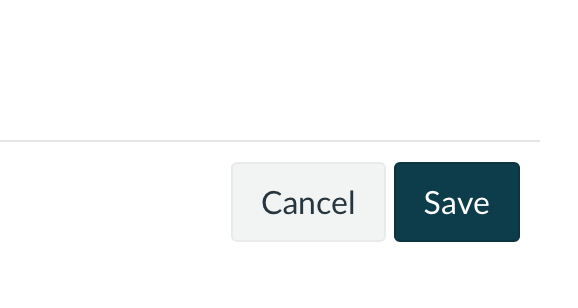 |
| Click into one updated assignment to trigger the ChimeIn LTI 1.3 configuration page. | 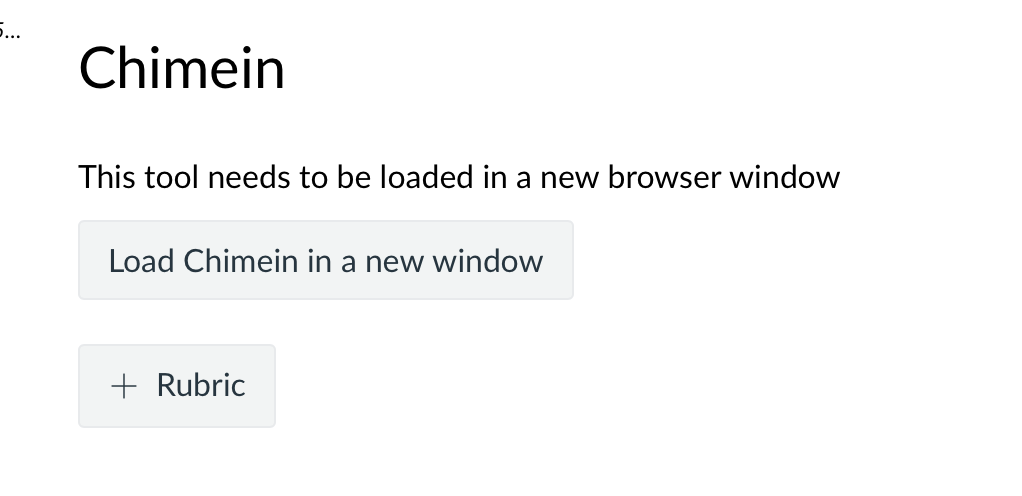 |